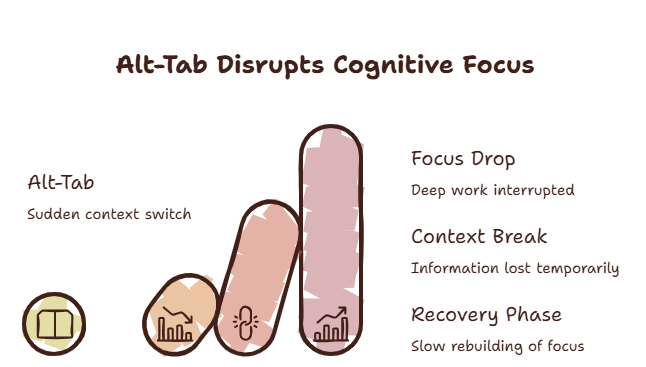
You keep a video call, a dashboard, or a doc visible while you work in another window. Then you Alt-Tab once and the whole arrangement collapses.
The feature you actually want is called “always on top.” Almost no browser ships it.
How many times today did you resize two windows side by side and pretend that was a solution?
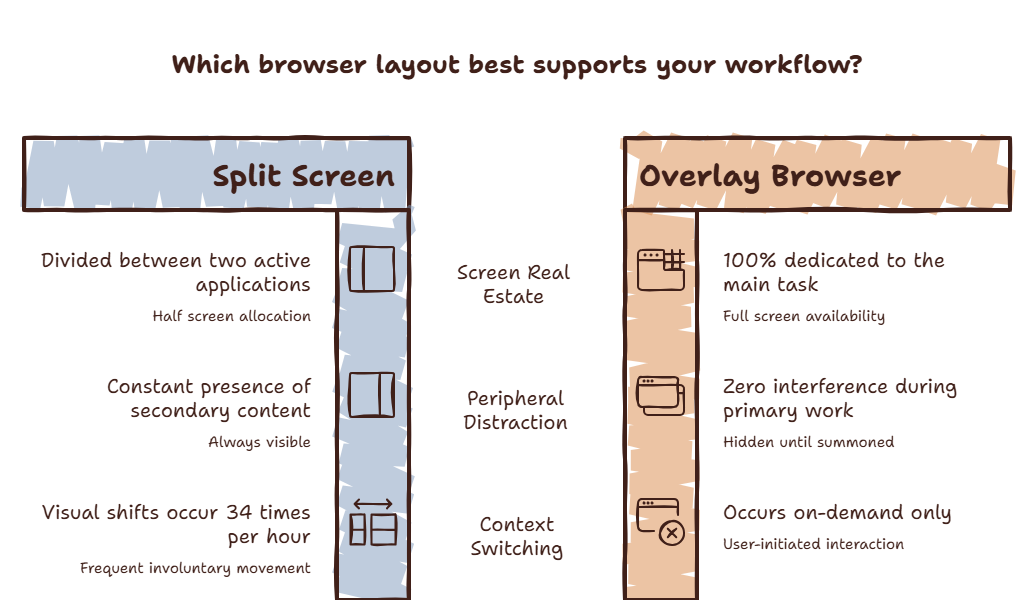
Split screen is a compromise. It halves both windows and hides everything else. There is a better way.
Curious what window juggling costs you? Try the Focus Points Calculator — it measures how much of your day gets eaten by app and window switching.
The Free Tricks (No Install)
Windows: PowerToys (Microsoft, free) adds “Always on top” with Win+Ctrl+T. Pin any window — browser included. Works, and you keep it forever.
Mac: No system option. Picture-in-Picture covers video only (Safari and Chrome both support it). For anything else you need a third-party tool like Afloat successors or a browser that floats.
Picture-in-Picture: Every major browser does video PiP. Great for calls and tutorials, useless for docs and dashboards.
The Tools
Vivaldi / Arc / Zen: No pinning, but side panels and tiling reduce the need. Half a solution.
Menu-bar and floating utilities: A cottage industry of $5–15 apps that pin windows. They work until the next OS update breaks them.
SiteQuest: The overlay approach. Press Shift-Space and a browser floats over your work — any site, any AI tool. Dismiss with one key. It is always-on-top by design, not by hack, so nothing breaks on update day.
Always on Top Options Compared
| Option | What stays on top | Cost | Breaks on updates? |
|---|---|---|---|
| PowerToys (Windows) | Any window | Free | Rarely |
| Browser PiP | Video only | Free | No |
| Pin utilities (Mac) | Any window | $5–15 | Sometimes |
| SiteQuest overlay | Browser + AI | Free / $3.99 / $6.99 | No — native behavior |
The Setup
Windows users: install PowerToys for general pinning, SiteQuest free for browser and AI. Mac users: PiP for video, SiteQuest for everything else. Compare plans when Free runs out of room.
Going deeper on layouts? Read overlay vs split screen.
Final Thought
You never wanted two half-windows. You wanted one whole window with answers floating above it.