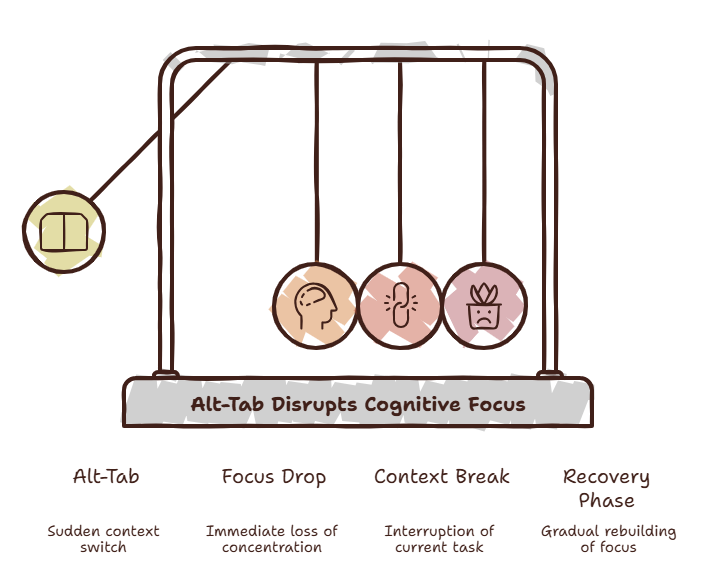
You have three different tabs open containing three different variations of the exact same documentation. You are looking for a single configuration key. You switch back to your editor, ready to type it out, but your finger twitches. Instinctively, your left thumb hits Cmd and your index finger taps Tab.
Suddenly, you’re looking at a browser window. You click a link. Then another.
Ten minutes pass. You are now reading an essay about 14th-century agriculture or browsing the latest tech hardware release. You stare at the screen, a vague sense of dread washing over your chest, and think: Wait, what was I doing again?
We’ve all been there. It’s not laziness. It’s a systemic design flaw in how we work.
The 10-Second Task Problem
The scenario plays out dozens of times a day. You are in the middle of deep flow—maybe writing a complex block of code, drafting an intricate technical spec, or designing a new user interface. Everything is clicking. Then, you hit a tiny roadblock. You just need to check one parameter. You need to verify a single API endpoint.
“I’ll just check one thing,” you tell yourself.
It should take ten seconds. But to do it, you have to leave your current environment. You press Alt-Tab or slide your mouse over to a browser window.
Have you ever noticed that the moment your main workspace disappears from view, your brain instantly shifts gears? The simple act of jumping out of your editor or design tool into a browser tab exposes you to a chaotic field of digital landmines. Your inbox has a tiny red dot. A team chat notification flashes. An unread article icon catches your eye.
The ten-second task is dead. It just cost you twenty minutes.
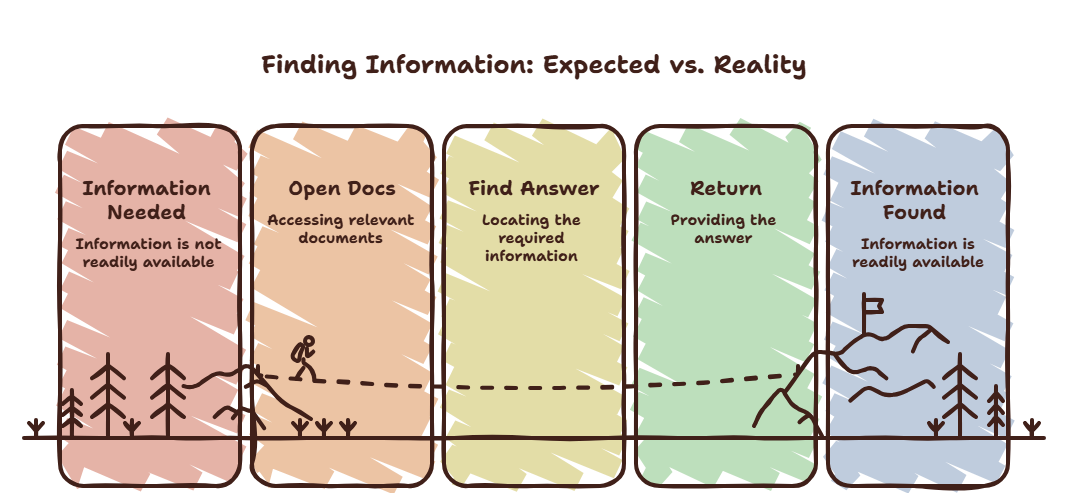
The Phenomenon: The Tab Reflex
The Tab Reflex
It is the completely automatic, near-subconscious urge to leave your current application the moment a micro-question or minor point of friction arises. It’s a muscle memory habit built over years of using software designed around separate windows and disjointed ecosystems.
The Tab Reflex is dangerous because it feels like work. You tell yourself you are gathering information, searching for answers, or optimizing your setup. In reality, you are paying a massive mental toll every single time you execute it.
Watch what happens next time you hit a small hurdle in your work. Pay attention to how quickly your hand reaches for the shortcut to change windows before your conscious mind has even formulated the exact question you need answered.
Why It Happens: The Brain’s Fight Against Friction
Your brain naturally craves certainty and hates friction. When you are deep in a task and hit an unknown variable, your internal mental state flips from comfort to discomfort.
Because modern software makes a universe of information exactly one click away, your brain chooses the path of least resistance: it flees the problem to look for an immediate resolution.
Here’s something strange: we blames ourselves for a lack of discipline, but the software ecosystem is actively working against us. It trains us to treat every single query as an excuse to completely tear down our current visual context and build a new one.
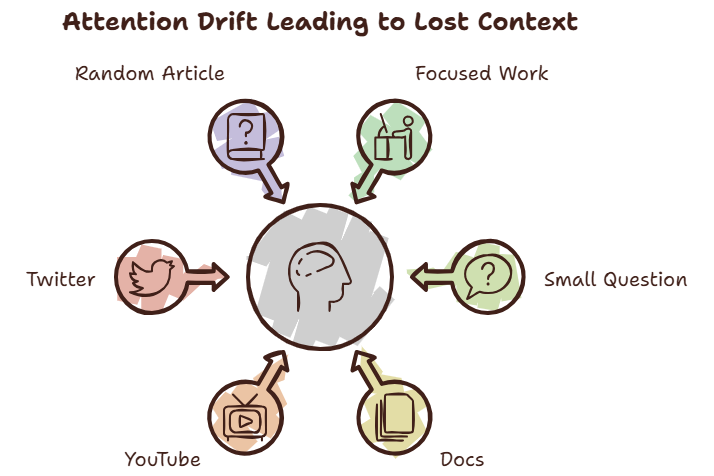
Why It Costs More Than You Think
Most of us are acutely aware that we switch tabs too much. What we fail to realize is the astronomical financial and mental invoice we pay for it. The true cost of an interruption isn’t the duration of the interruption itself. Opening an AI assistant or a documentation site might take three seconds. Reading the answer takes ten seconds. The true deficit is the Context Recovery Cost—the agonizing period of time it takes your brain to re-assemble the mental scaffolding of what you were doing before you left.
“How did I end up here?”
You return to your project, but the complex mental model you spent the last hour building has completely evaporated. You have to re-read your own text, re-trace your logic, and reload your working memory. The problem isn’t the tool you went to look at; the problem is the heavy cognitive tax of recovering your environment afterward.
Common Solutions That Don’t Work
When people realize they are drowning in the Alt-Tab Tax, they usually attempt to solve it by throwing hardware or classic productivity hacks at the problem. You’ve probably tried a few of these:
- Buying More Monitors: You add a second or third screen so you can keep everything visible. The weird thing is, this often just multiplies the surface area for distraction. Now, instead of hiding your distractions behind a window, they live permanently in your peripheral vision, constantly begging for attention.
- Aggressive Tab Management: You install extension bookmark managers or vertical tab organizers. You spend hours organizing your digital mess into neat folders, turning tab cleanup into a chore rather than fixing the core reflex.
- Split Screen Layouts: You squash your workspace to one side of the screen and keep your browser on the other. You end up with two cramped windows where you can barely read the content of either, increasing visual noise and frustration.
These solutions fail because they try to organize the interruptions rather than eliminating the environmental transition that triggers them.
A Better Way To Think About It
Most productivity advice tells you to minimize your tools or limit your browsing. That is entirely unrealistic in 2026. We live in an era of vibe coding, AI assistance, and expansive documentation. We need information constantly.
A much better approach is a complete shift in thinking: The goal isn’t fewer tools; the goal is less disruption.
Instead of trying to stop yourself from looking things up, we need to drastically reduce the distance between the question and the answer. The mental model shouldn’t be about changing locations to get data; it should be about bringing the data into your current location.
Practical Fixes
If you want to start lowering your Context Recovery Cost immediately, start implementing these habits today:
- Keep References Nearby: Keep your core documentations, spec sheets, or asset folders physically close to your primary workspace layout without requiring a massive window swap.
- Keyboard-First Workflows: Stop reaching for your mouse to navigate menus. Learn the direct system shortcuts to pull up information and dismiss it instantly.
- Batch Your Micro-Tasks: When a minor, non-blocking question pops up, write it down on a physical notepad next to your keyboard. Don’t look it up immediately. Check it off in a single 5-minute burst later.
- Keep Your Context Visible: Never let your core workspace become completely hidden by another application frame. If you can still see your primary goal, your brain maintains a loose grip on its working memory.
The SiteQuest Perspective
This exact loop of frustration is precisely why we built SiteQuest. We didn’t design it because the world desperately needed another standard web browser to pin to a taskbar. We designed it because we were utterly exhausted by the heavy friction of the Alt-Tab Tax.
SiteQuest is a lightweight pop-in browser overlay built specifically to protect your focus. By pressing a single universal hotkey—Shift + Space—a dedicated sidebar emerges smoothly over whatever application you are currently running.
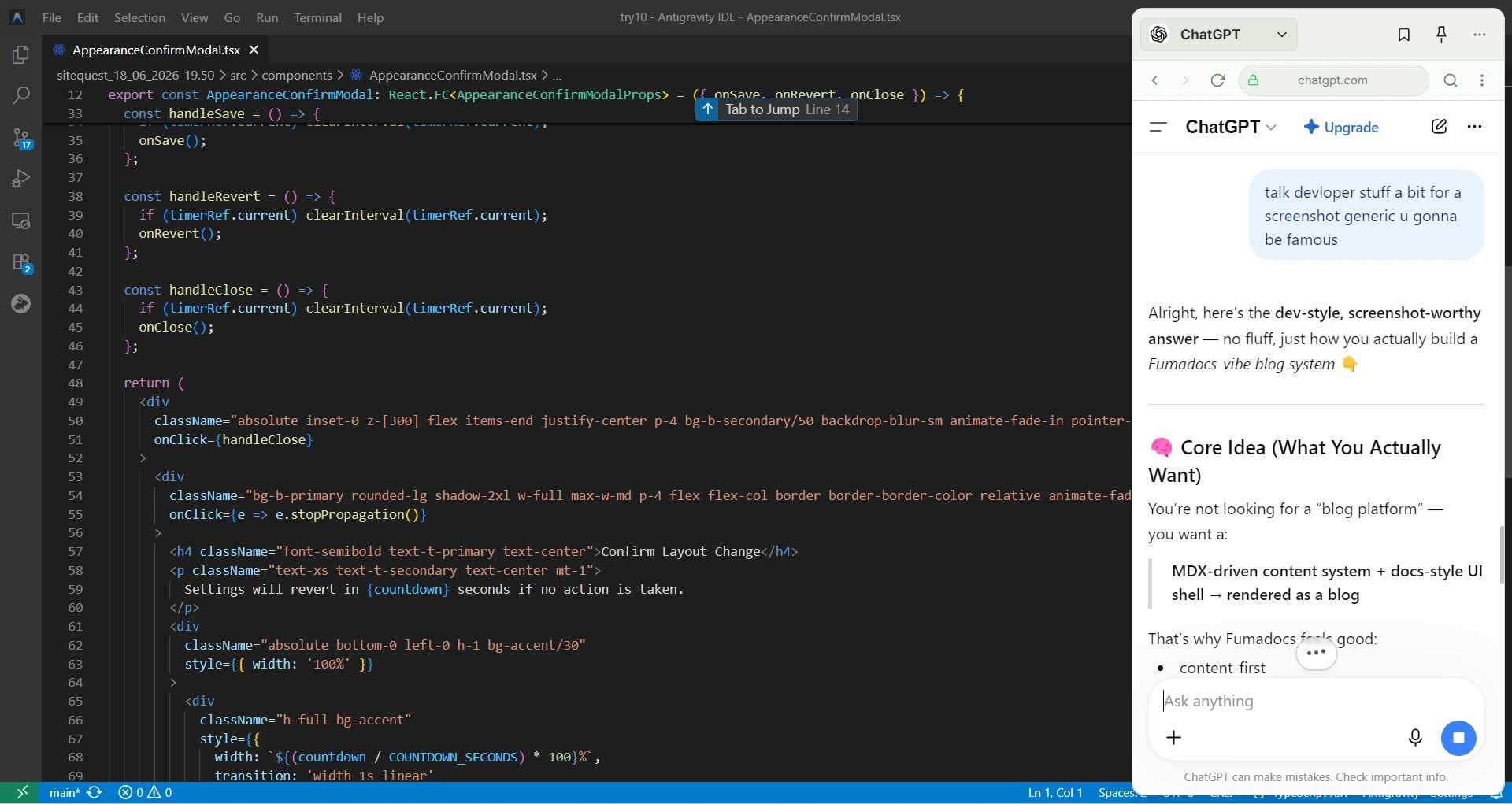
You can pull up technical references, execute searches, or use built-in Local AI to parse a webpage right there. When you get the snippet or answer you need, you tap the hotkey again, and it instantly vanishes. You never leave your application. Your visual context never breaks. You stay entirely in flow.
Final Thought
The most significant drain on modern productivity isn’t the difficulty of doing the actual work. It’s the hidden tax of recovering from leaving it.
Every time you break eye contact with your primary task to chase a quick piece of data across your operating system, you are gambling with your focus. Protect your mental working memory like your throughput depends on it—because it does.
Take back your focus — explore the Focus Points feature in SiteQuest.